№ 08 · 2026 · open source
Itchy
Agentic sticky notes for your mac
- platforms
- macos
- category
- productivity
- audience
- developers, text processors
- llm integration
- MCP server, direct invocation with local llm (ollama)
- language
- swift
- licence
- gpl-3.0
- last commit
- 2026-09-20
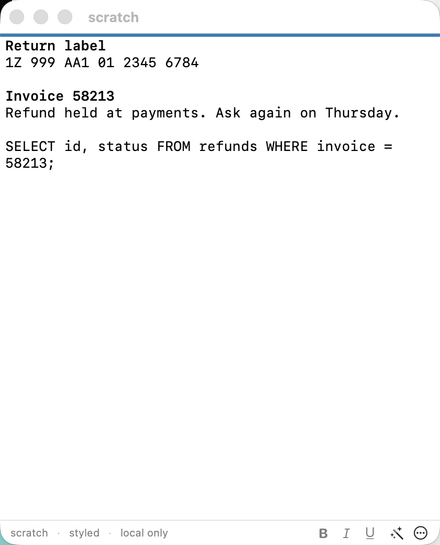
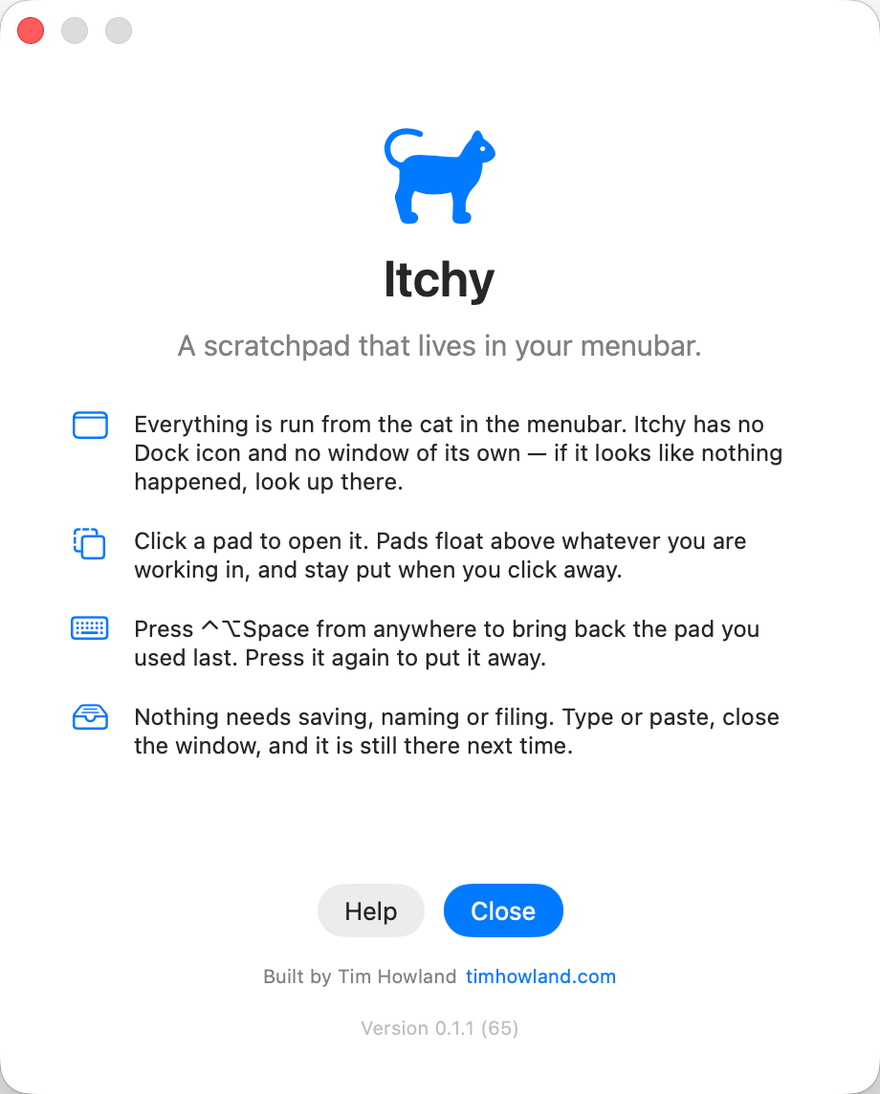
Most of what I type during a working day never needs to be kept: a tracking number I’ll want again in ten minutes, the body of a request that just failed, a PO number from a contract we signed three years ago. For years those landed in untitled TextEdit windows that I’d eventually close one at a time, answering “Save changes?” for each, so I built Itchy to give them somewhere to go. It lives in the menubar and holds a handful of floating pads that open over whatever you’re working in, fullscreen apps included, and stay where you put them without stealing focus; ⌃⌥Space brings back the last one from anywhere, there’s no save step, and a closed pad is still there the next time you need it.
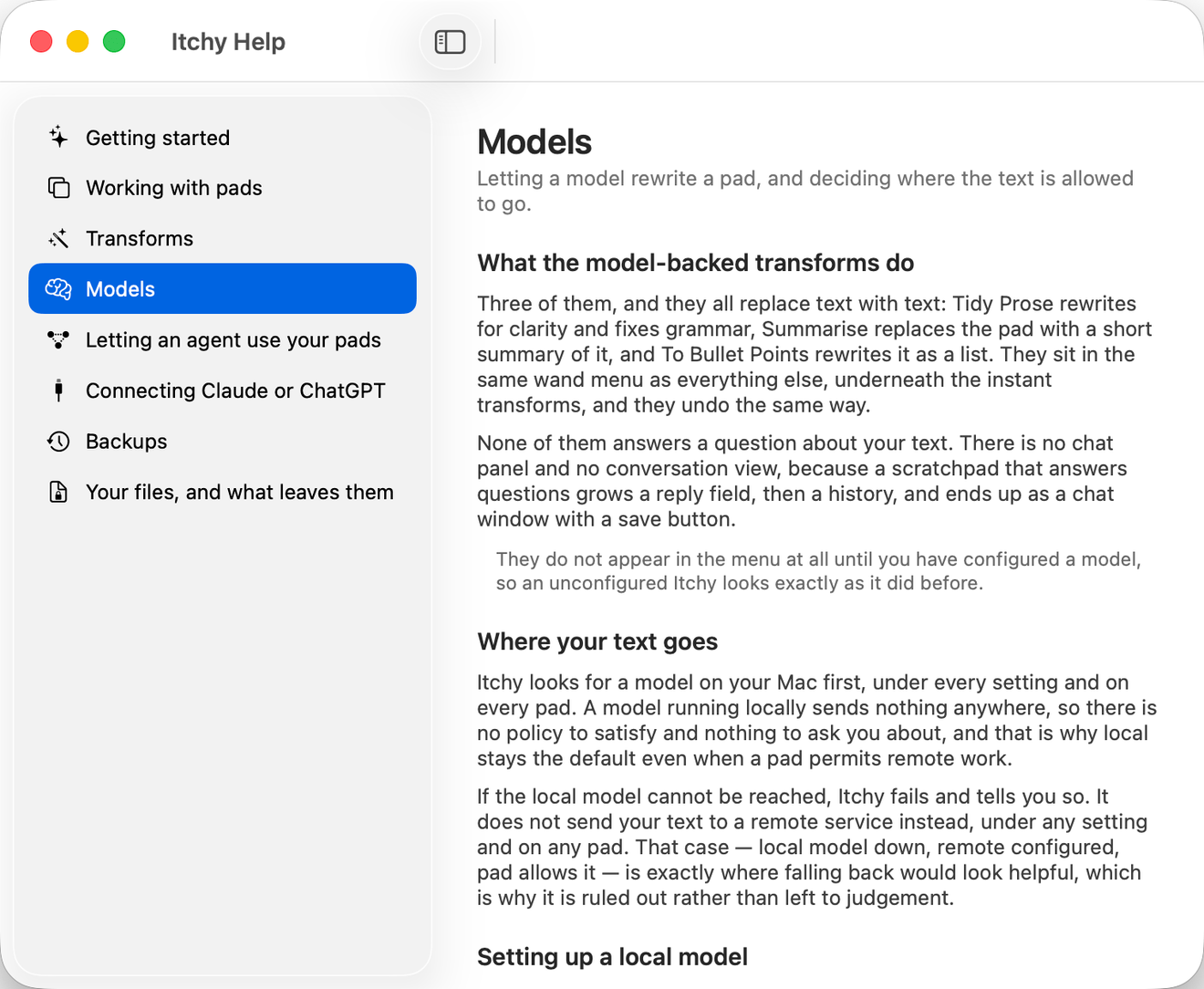
Text in a pad can be reshaped where it sits from the wand menu, whether that means pretty-printing a single unreadable line of JSON or decoding a base64 field buried inside it, and the menu offers a transform only when it would work on the text in front of you, so it never promises something it can’t do. If you configure a language model, the same menu can tidy or summarise text as well, and Itchy looks for Ollama on your own Mac first, telling you when the local model can’t be reached rather than quietly sending your text elsewhere; each pad also has its own setting for whether its contents may go to a remote service at all.
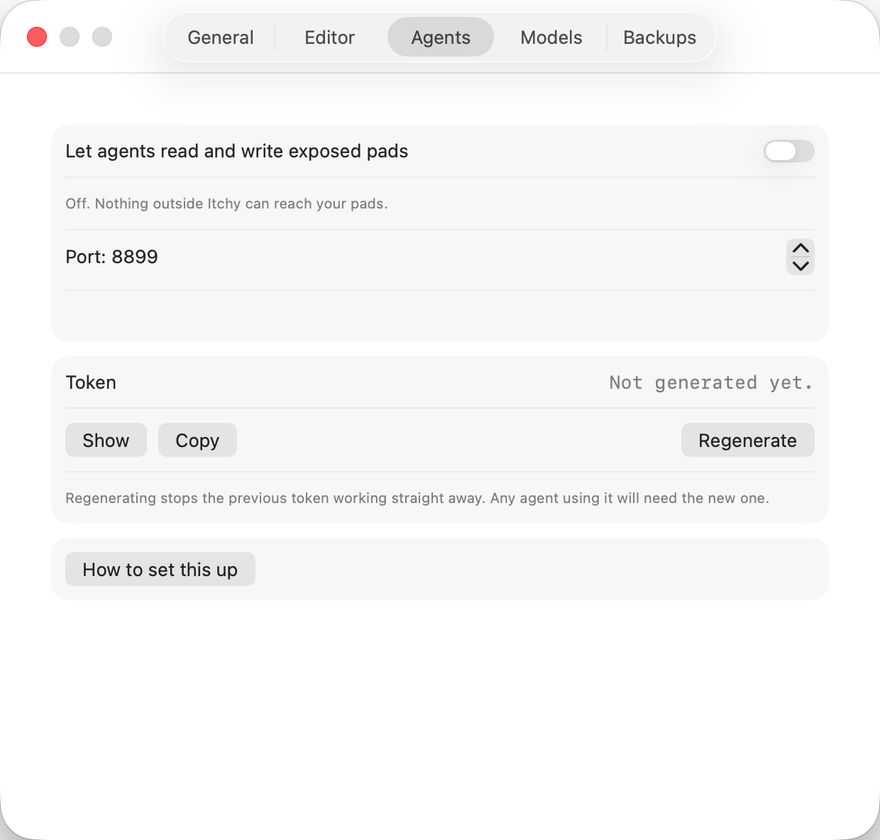
The part that made Itchy worth building is what happens when you share a pad with a coding agent over the Model Context Protocol (MCP). When I hand Claude Code a longer job, a dependency upgrade across several packages, say, I expose a pad and ask it to keep its running notes there, so while it works it appends what it has changed, what it has found, and the questions it would otherwise stop and ask me in the terminal. I can be in a meeting or another app entirely, and when it writes to a pad I have closed the cat in the menubar marks it, so a glance tells me there’s something to read; I bring the pad up with ⌃⌥Space, answer a question inline or strike out a step I’d rather it skipped, and the agent picks up my edits the next time it reads the pad. By the end the pad holds a working log that both of us wrote, which I can tidy into a summary from the wand menu and paste into the pull request, and at no point did anything have to be copied between windows.